Remove certificate in fleet manager
After setting up VCF 9, we noticed that Fleet Manager contained a large number of certificates. Some deployments failed due to incorrect certificates, requiring us to generate new ones. In addition, a few certificates were initially created as self-signed and later replaced after deployment. The issue arose when we discovered that these certificates could not be deleted through Fleet Manager. This article explains how to remove certificates from Fleet Manager.

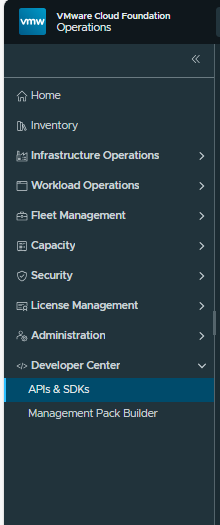
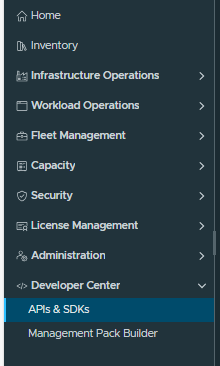
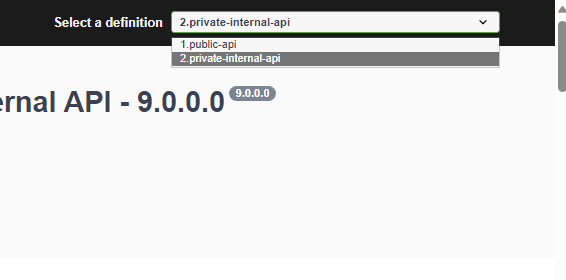
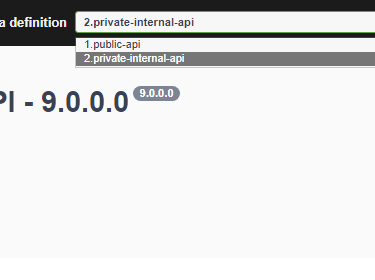
First, we need to identify the API endpoint used to list certificates. Log in to VCF Ops and navigate to the Developer Center. From there, open the Fleet Manager APIs and select Internal in the top corner.
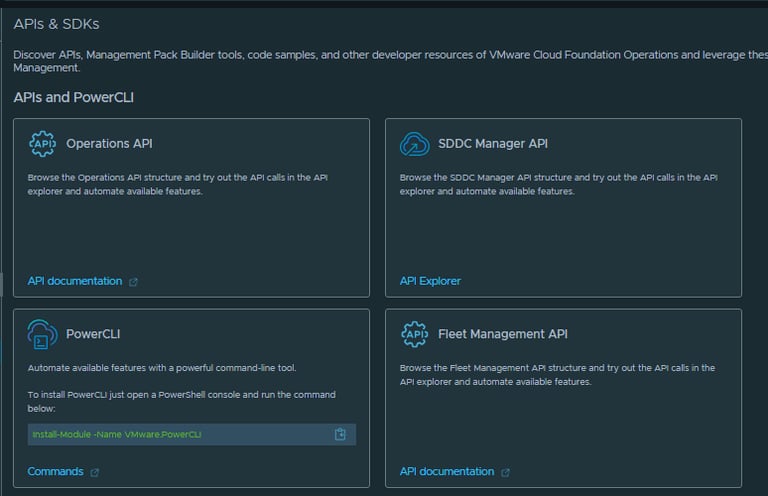
Scroll down to Locker Certificates Controller, where you’ll find the API endpoint /lcm/locker/api/certificates/list/vmids, which is used to list certificates.
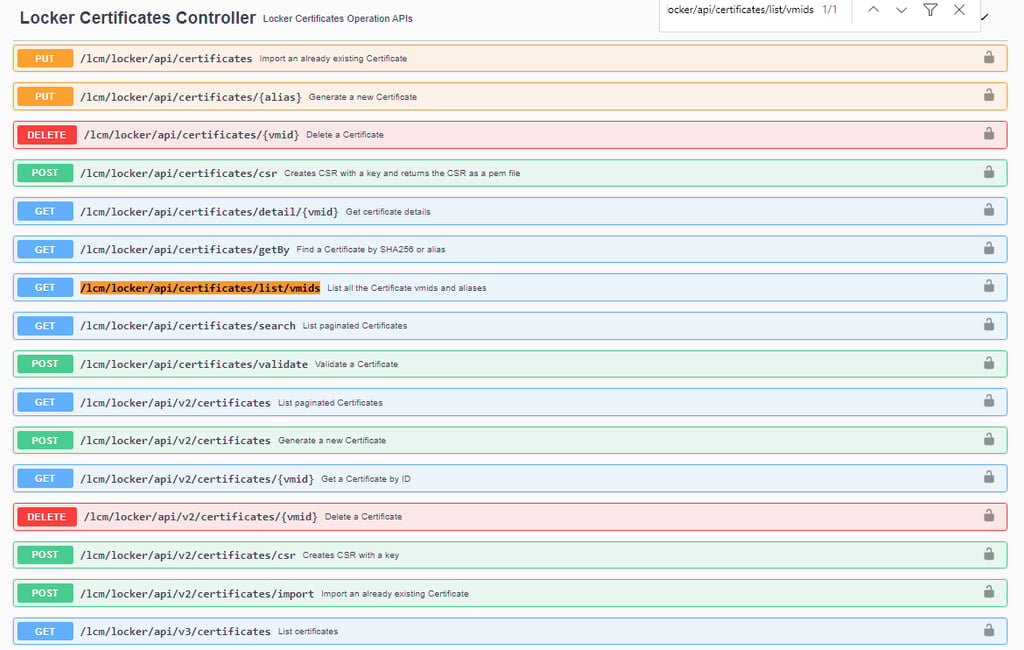
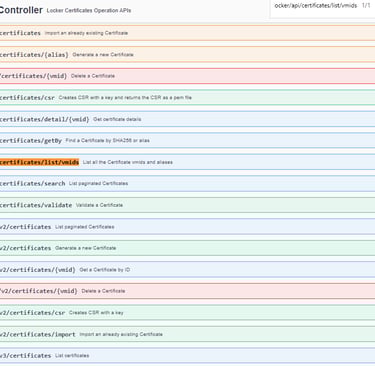
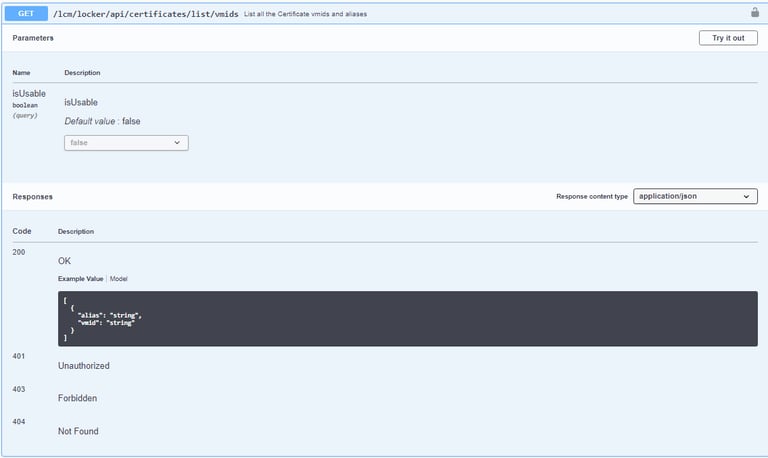
Execute the endpoint to retrieve a list of certificates along with their associated vmid, which is required when deleting a certificate.
API CALL:
/lcm/locker/api/certificates/list/vmids
I prefer using PowerShell to run the API request. The command looks like this:
irm -method get -headers $fleetheader -uri "<fleet manager fqdn>/lcm/locker/api/certificates/list/vmids/"
The output will look like this:
Alias VMids
After retrieving the vmid, you can delete the certificate using the following command.
If you’re using PowerShell, run it like this:
irm -method DELETE -headers $fleetheader -uri "<fleet manager fqdn>/lcm/locker/api/certificates/<vmid>"
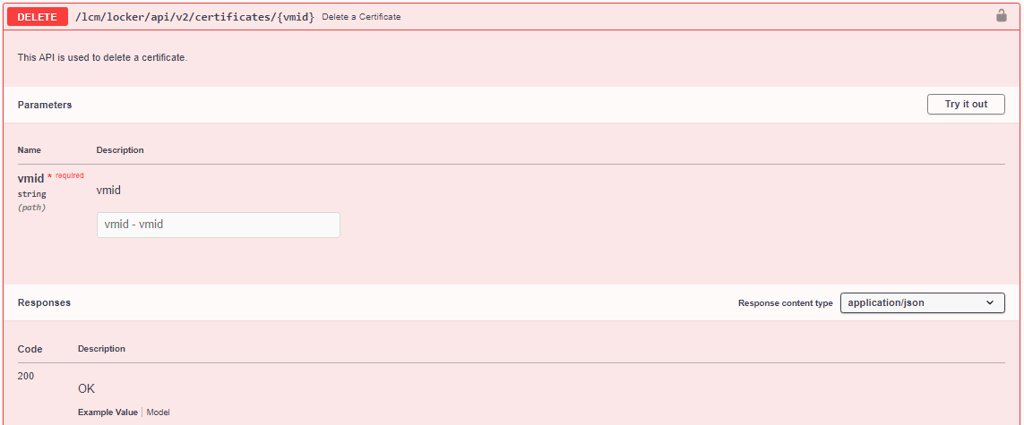
With the correct API endpoints and the certificate vmid, removing unused or incorrect certificates from Fleet Manager becomes a straightforward task. Until certificate management is fully exposed through the UI, the API provides a reliable and efficient way to keep your VCF environment clean and consistent.
Posted 3.12.2025
VirtualViking
Plundering the Old Ways, Automating the New!
Tech
© 2024. All rights reserved.